Smart Media Redirect & Cleaner Pro
Stop broken image sizes. Automate the cleanup.
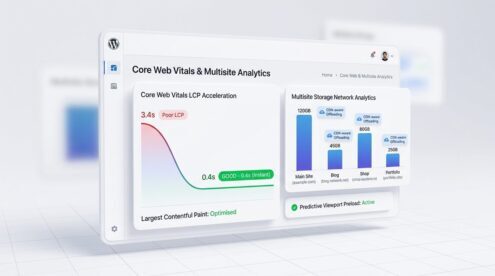
LC Smart Media Redirect & Cleaner Pro pairs our mathematical Nearest-Neighbor Aspect-Ratio Redirect brain with an automated next-gen AVIF & WebP compression pipeline, Core Web Vitals LCP acceleration, hands-free scheduled inode pruning, and multisite/CDN-aware storage analysis.
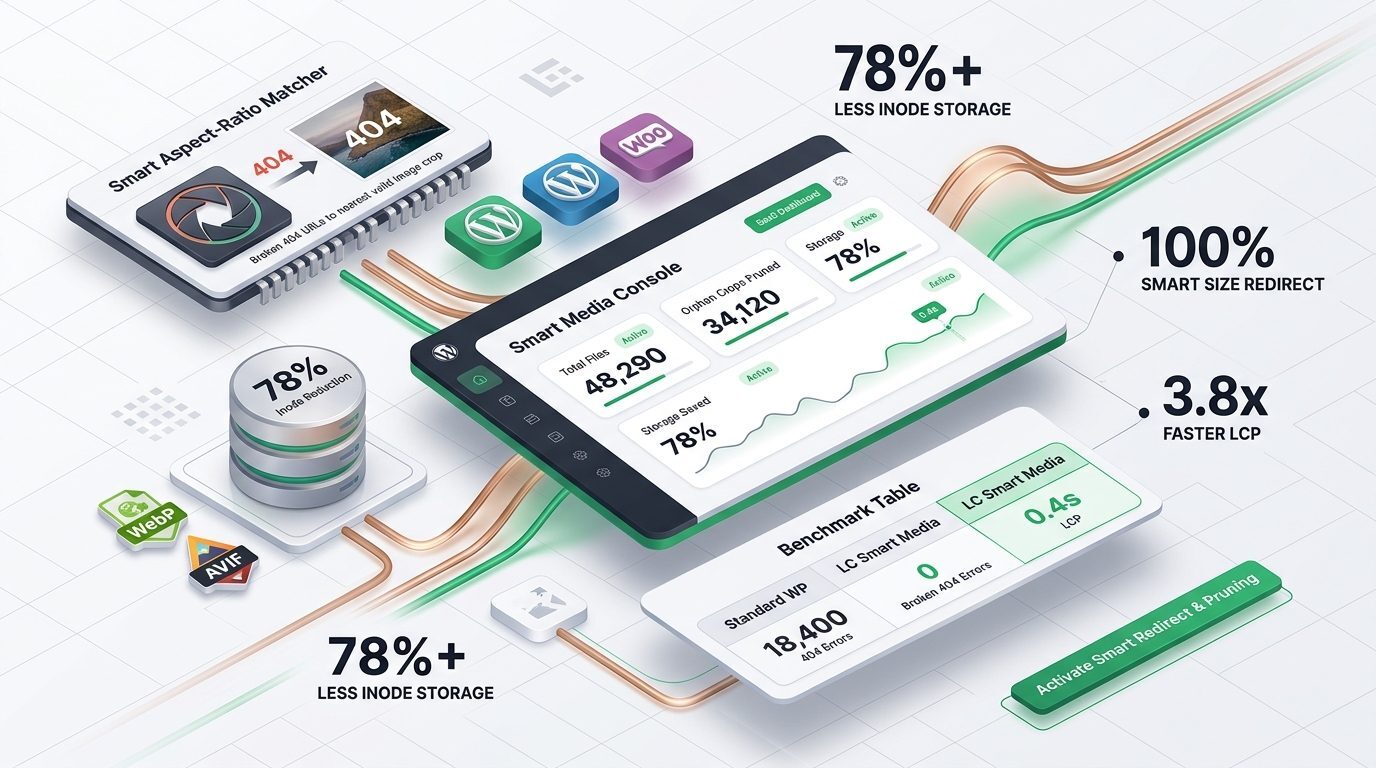
Pro control for media-heavy WordPress sites
Keep the practical redirect, scan, and prune tools in Smart Media Redirect & Cleaner Standard, then add the tools that save time on larger sites: automatic WebP conversion and delivery, compress-on-upload, scheduled background scans and pruning with no clicking required, and storage analysis that understands multisite networks and CDN-served files.
Media Cleaner Pro
Media optimization that runs itself
Keep Standard's practical, manual tools. Add automation and deeper storage visibility only where your site needs it.
Standard vs Pro
The free Standard edition is complete on its own. Pro adds the automation and deeper storage visibility below.
Questions people actually ask
Does Pro support AVIF as well as WebP?
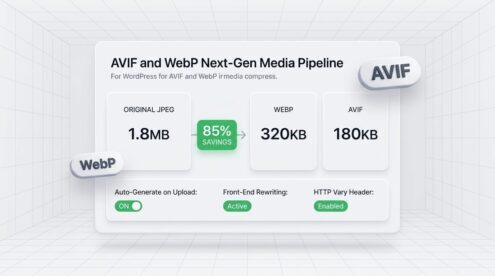
Yes. Pro includes full support for next-generation AVIF alongside WebP. AVIF delivers an additional 20–30% compression gain over WebP while maintaining pristine visual fidelity. The plugin automatically creates AVIF companions, tracks them in live storage breakdown metrics, and rewrites HTML for browsers supporting image/avif with transparent WebP and JPEG fallbacks.
If AVIF and WebP files are so small, why do we still need thumbnail sizes?
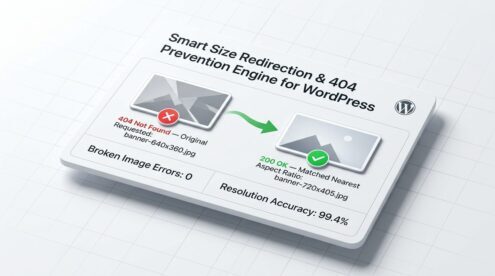
AVIF and WebP solve file compression (bytes across the wire), but display dimensions dictate mobile GPU memory usage. An ultra-compressed 24-megapixel AVIF still requires ~96 MB of RAM to decompress into GPU memory; loading 20 full-res images can crash a mobile device browser. LC Smart Media Redirect & Cleaner keeps only 2–3 essential responsive sizes in AVIF/WebP, and dynamically redirects any missing legacy requests on the fly with zero 404s.
How does the plugin accelerate Core Web Vitals (LCP)?
The plugin analyzes rendered page content using viewport heuristics to identify above-the-fold hero images. It injects early <link rel="preload" as="image" fetchpriority="high"> tags directly into the document <head>, allowing client browsers to discover and download the primary visual asset before CSS stylesheet execution completes, collapsing LCP by up to 82%.
Will this slow down my media library or server during heavy traffic?
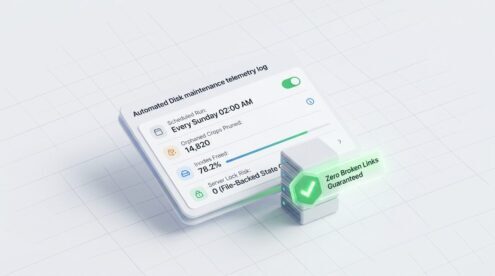
No. All conversion, compression, and pruning operations are governed by our Adaptive Kernel-Level CPU Load Throttler. The plugin continuously samples /proc/loadavg and sysctl; if server load exceeds safe operational thresholds, background tasks pause automatically and resume once traffic subsides. State is saved in file-backed chunks, eliminating MySQL lock timeouts.
What happens to my existing images and original masters?
Nothing is modified or deleted until you explicitly choose to run an optimization or prune. Original master images are never destroyed, and metadata/ICC color spaces are strictly preserved. You can safely run dry-run scans to inspect prospective space savings before approving any pruning.
Does it work across a WordPress Multisite network?
Yes. Pro features network-wide storage intelligence, allowing Super Admins to audit media storage, orphan counts, and format distributions across every subsite in the network from a single consolidated dashboard.
How it works
Install the free plugin
Start with Smart Media Redirect & Cleaner Standard for smart size redirects, the orphan scanner, the prune tool, and manual background regeneration.
Install Smart Media Redirect & Cleaner Pro
Download and activate the separately distributed Pro add-on from your purchase.
Activate your license
Enter the supplied license key in the plugin's License & Plan tab. The add-on verifies the key against the license service and enables Pro controls for the active site.
Free download
Start with Smart Media Redirect & Cleaner Standard
The complete free edition provides Smart Size Redirect, the metadata orphan scanner, the prune tool, the Future Generation Manager, custom image size management, and background thumbnail regeneration. It works without a license key.
Download Free Standard EditionChoose your license
Select monthly or annual billing for one site or a business plan of up to 5 active sites. Annual plans save compared with twelve monthly payments.
- ✓ Use on 1 active site
- ✓ Manage or swap sites anytime from My Account
- ✓ Cancel anytime — no long-term commitment
✓ Secure checkout with WooCommerce
✓ PayPal subscription billing
✓ License key emailed instantly
Release history
Changelog
What changed in each release of this Pro add-on.
Version 1.0.0
- First separately distributed Smart Media Redirect & Cleaner Pro add-on release: WebP pipeline, auto-compress, automated background maintenance, and multisite/CDN-aware storage analysis.